


For creators and press
Streamers
For those who stream or record on Crest Roleplay: the way to the Streamer role on Discord and ready-made graphics.
The Streamer role
With the Streamer role you can post in the #streamerzy channel on our Discord and say there that you are live.
Join our Discord and open a “Współpraca” (partnership) ticket.
Give your nick and a link to your channel. The staff will give you the role.
When you go live, post once in #streamerzy: the link and one sentence about what is going on.
Open a ticket on Discord
The channel is for streams from Crest Roleplay only. Posts disappear by themselves after 24 hours.
Media kit
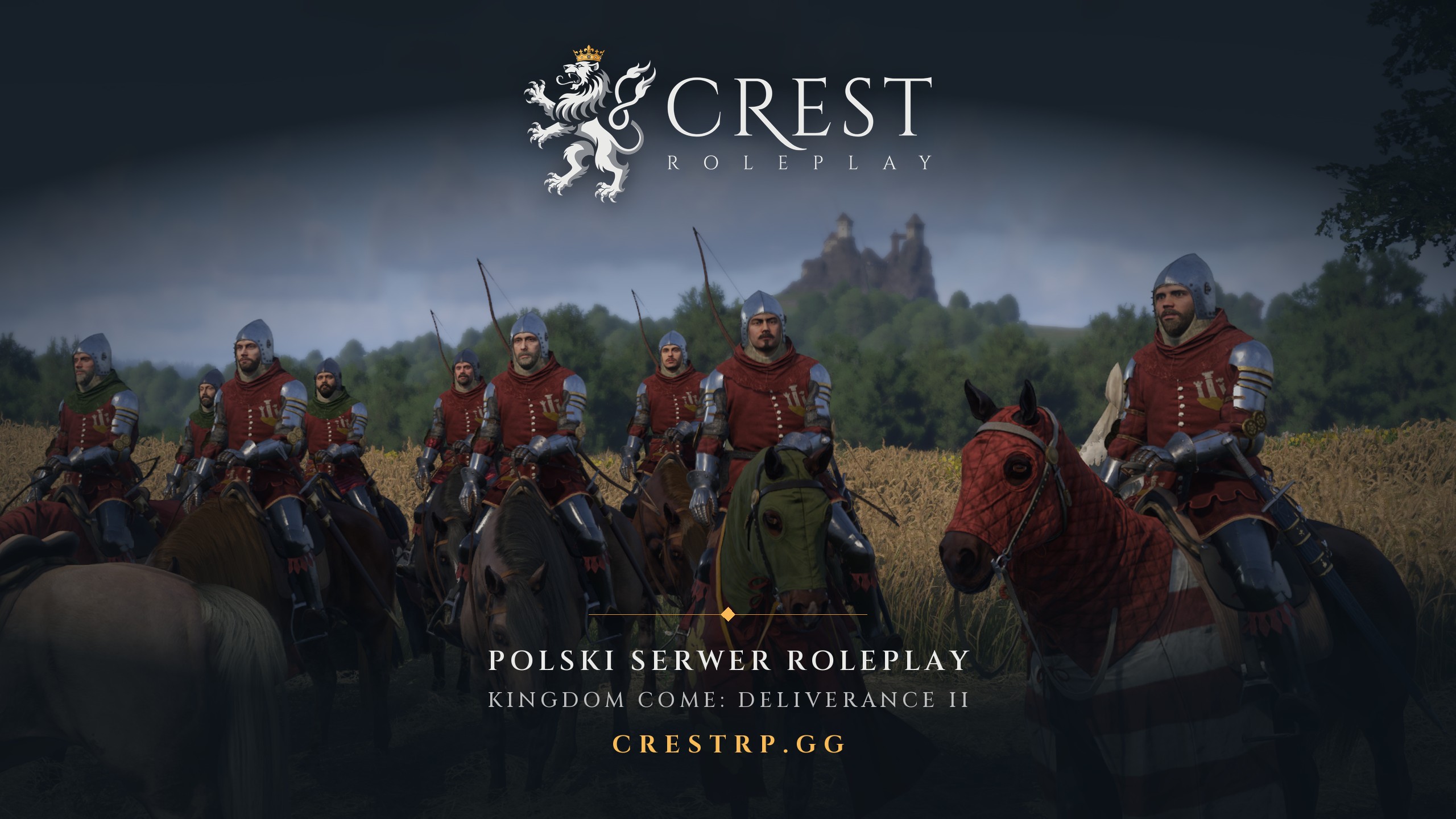
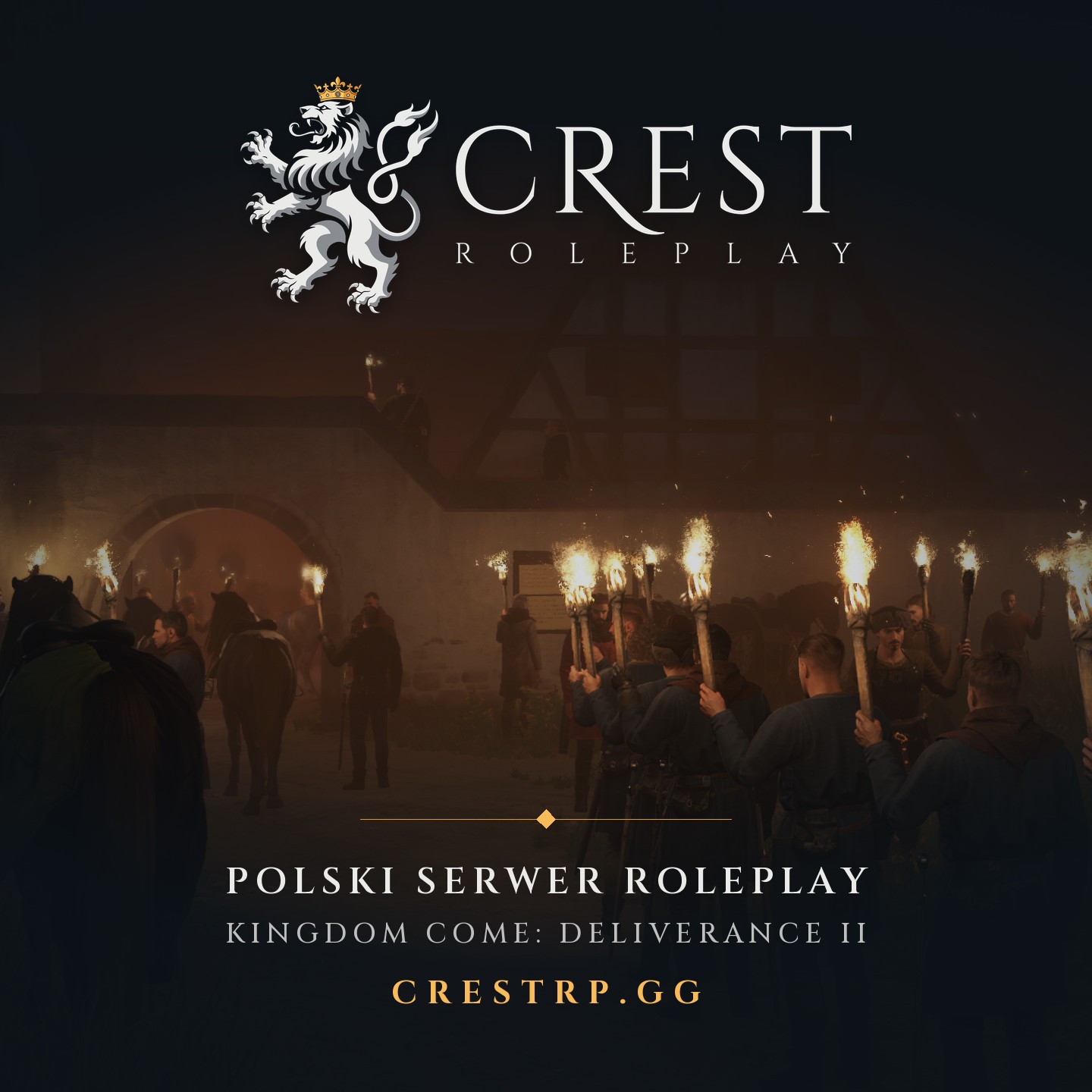
Logo, avatars, promo graphics and a stream overlay. For content about Crest Roleplay: streams, videos, articles and posts.
The brand guide (in Polish) shows how to use the logo and colours.
Logo


Avatars
Ready-made avatars for a profile or a server, in seven background colours.
 Navy
 Graphite
 Sky blue
 Green
 Purple
 Crimson
 Amber
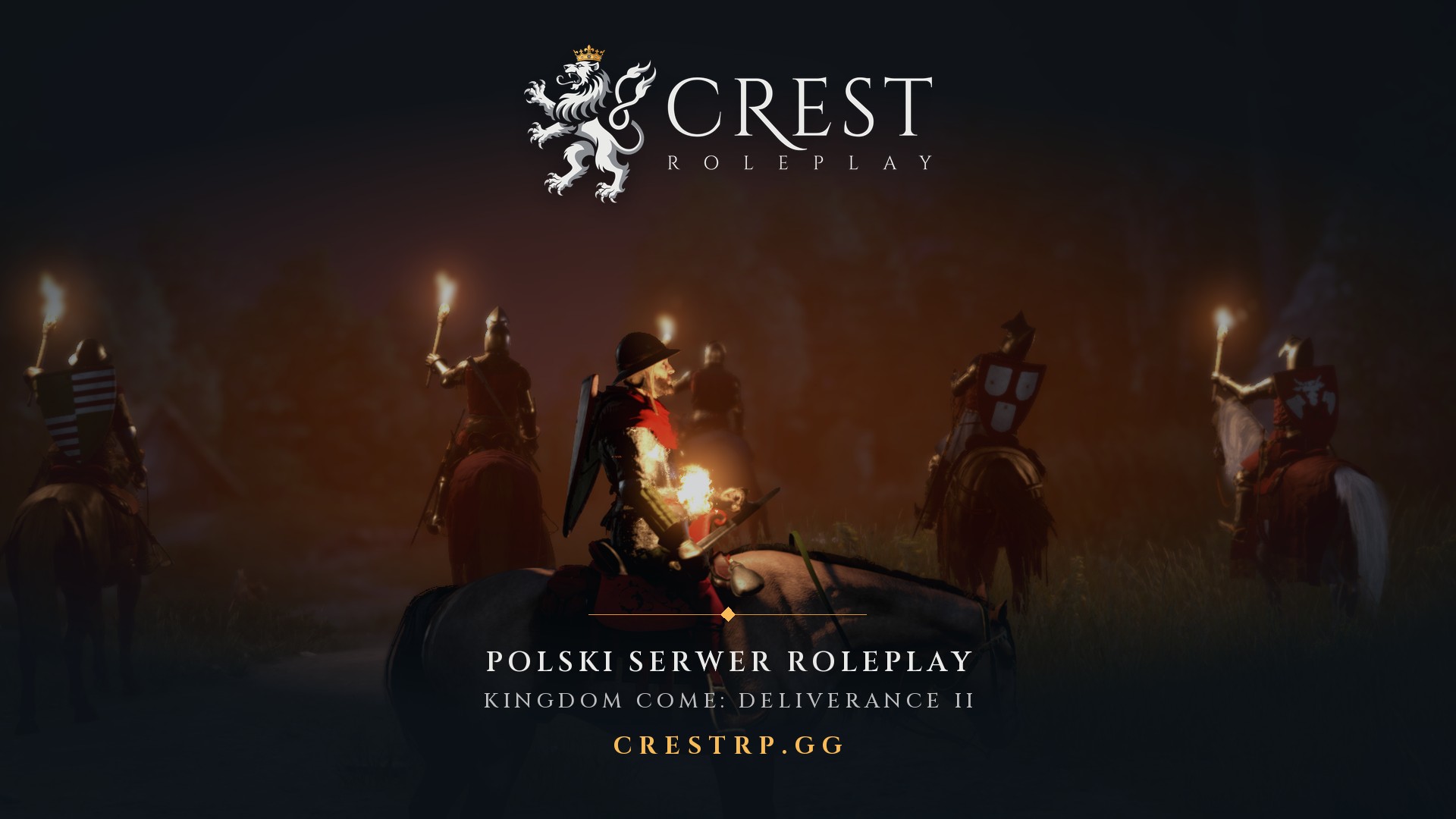
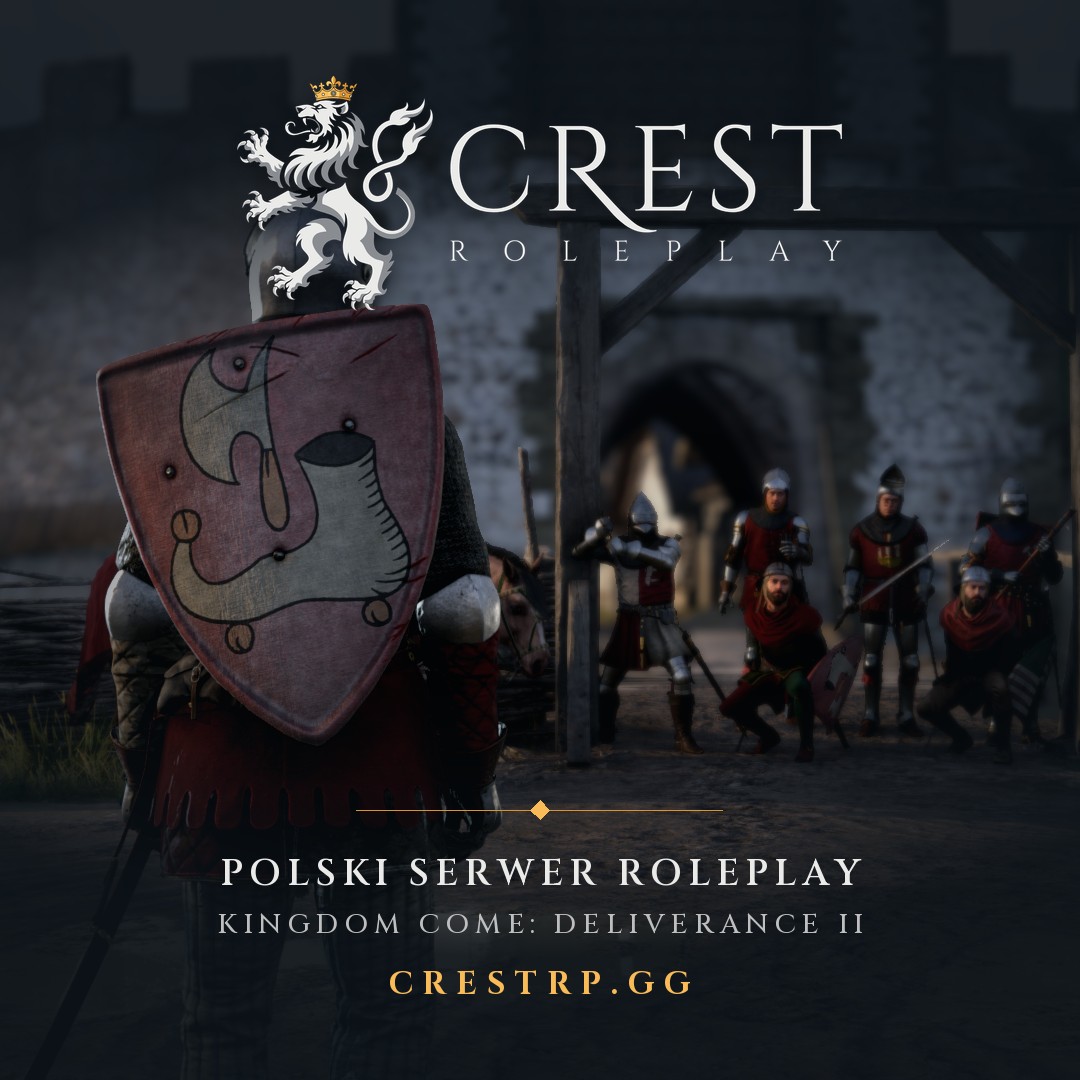
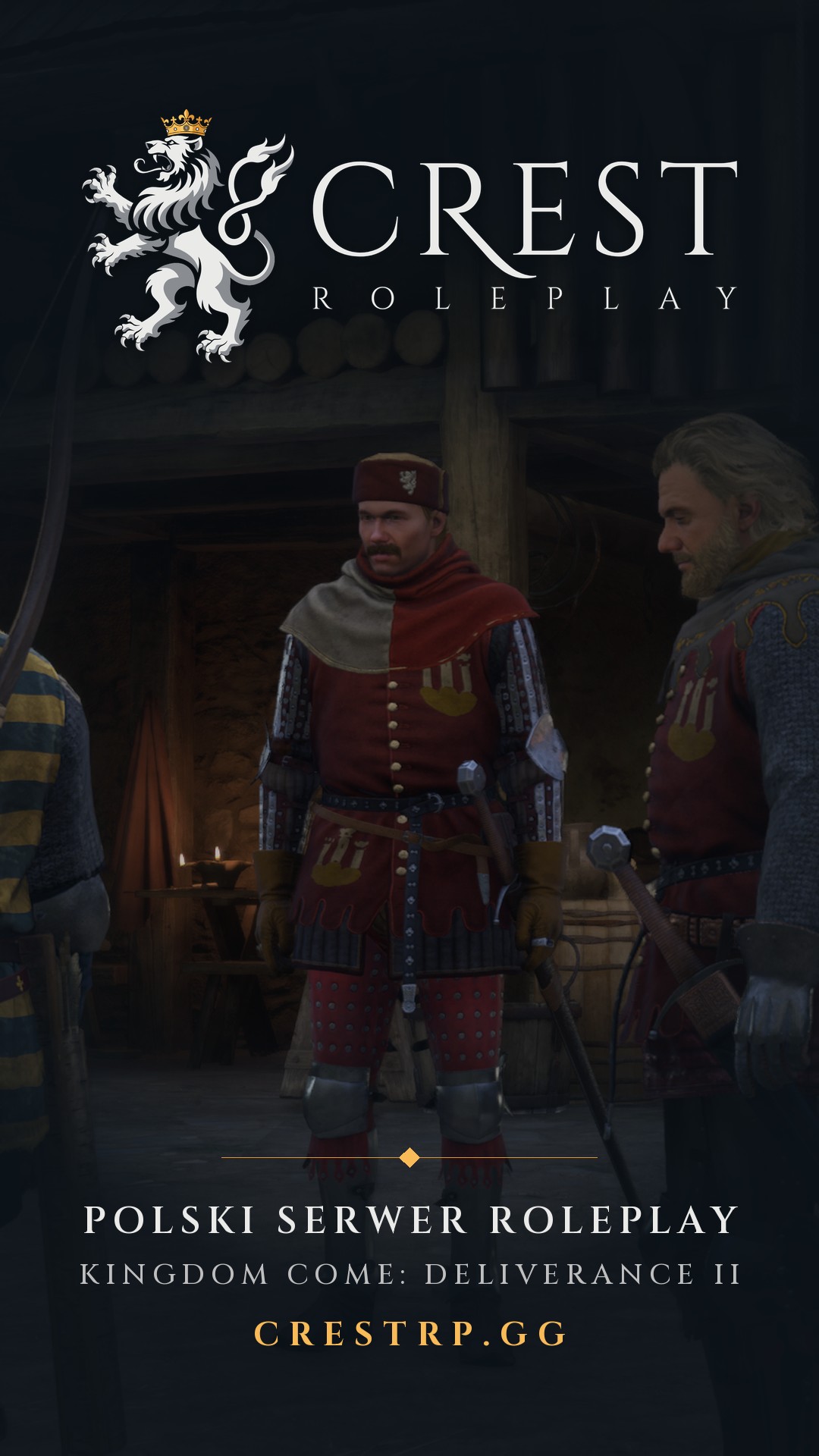
Promo graphics
Set I
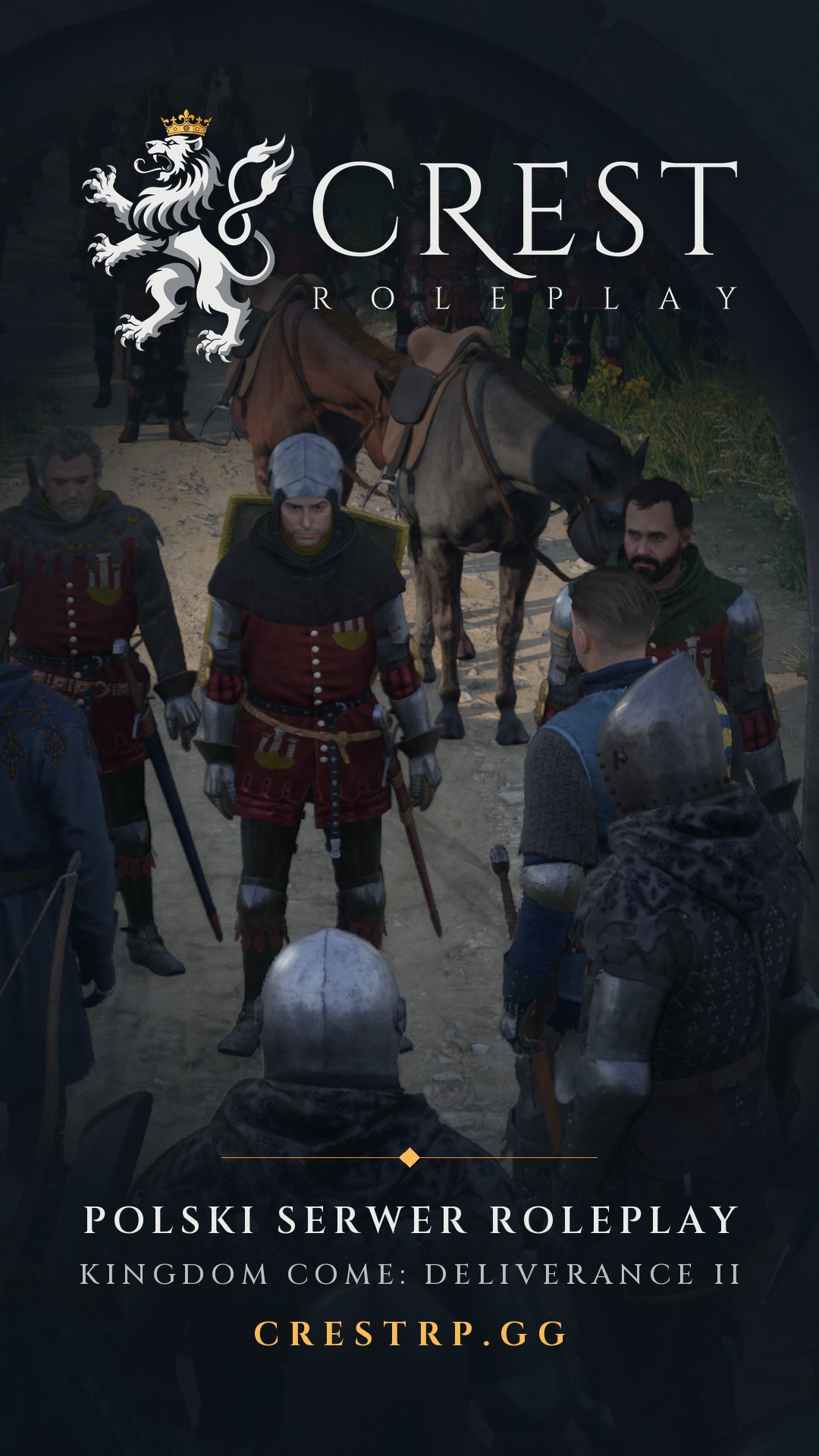
Set II
For streams






















Colours
Fonts
All three are free, get them from Google Fonts.